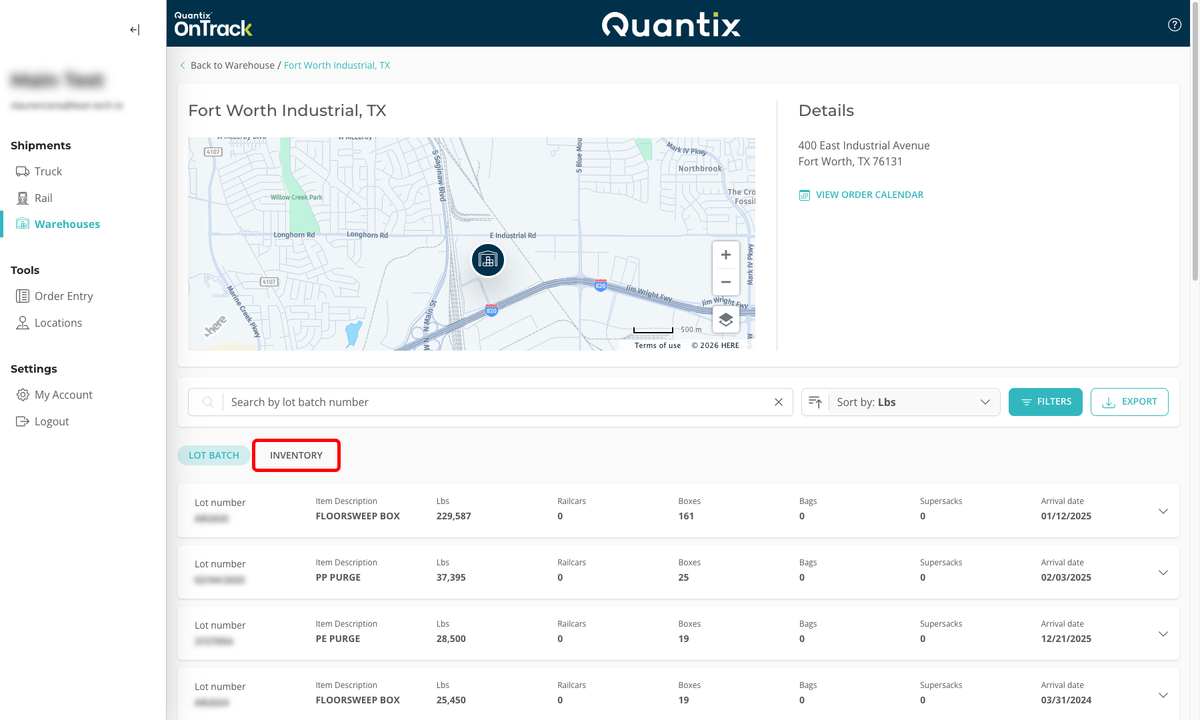
Warehouses Site Page Details
When you click on a warehouse card from the Warehouse tab, you will be taken to its corresponding Warehouse Site Page.
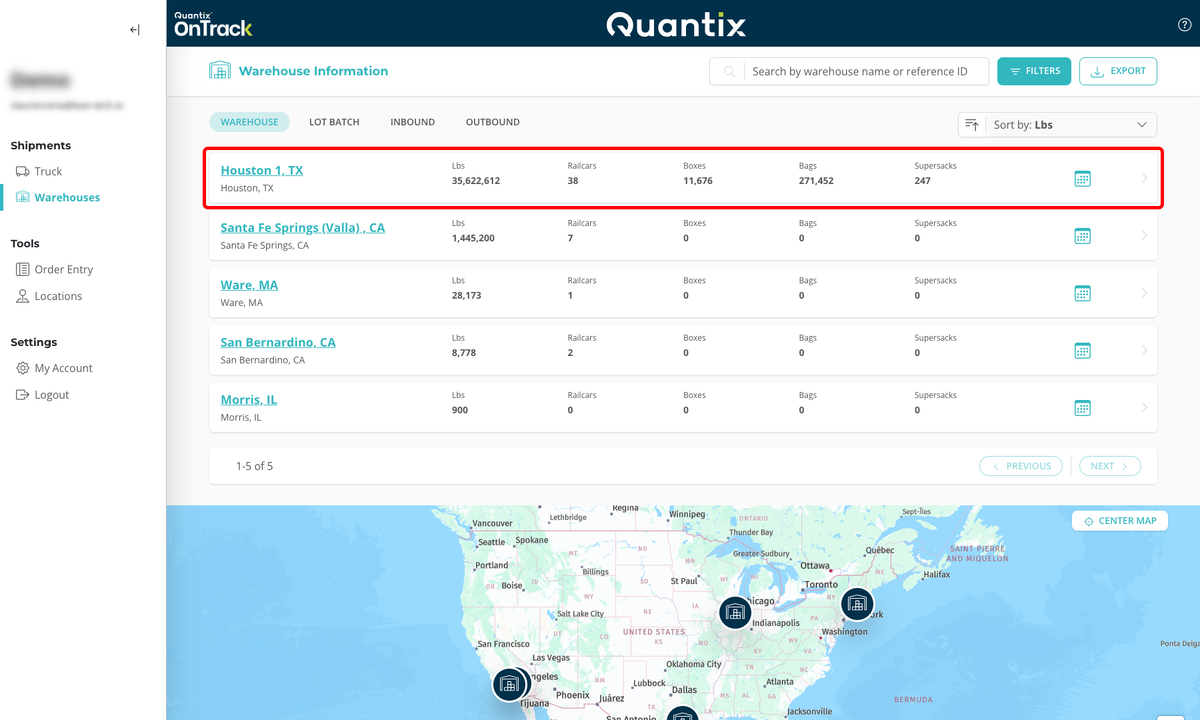
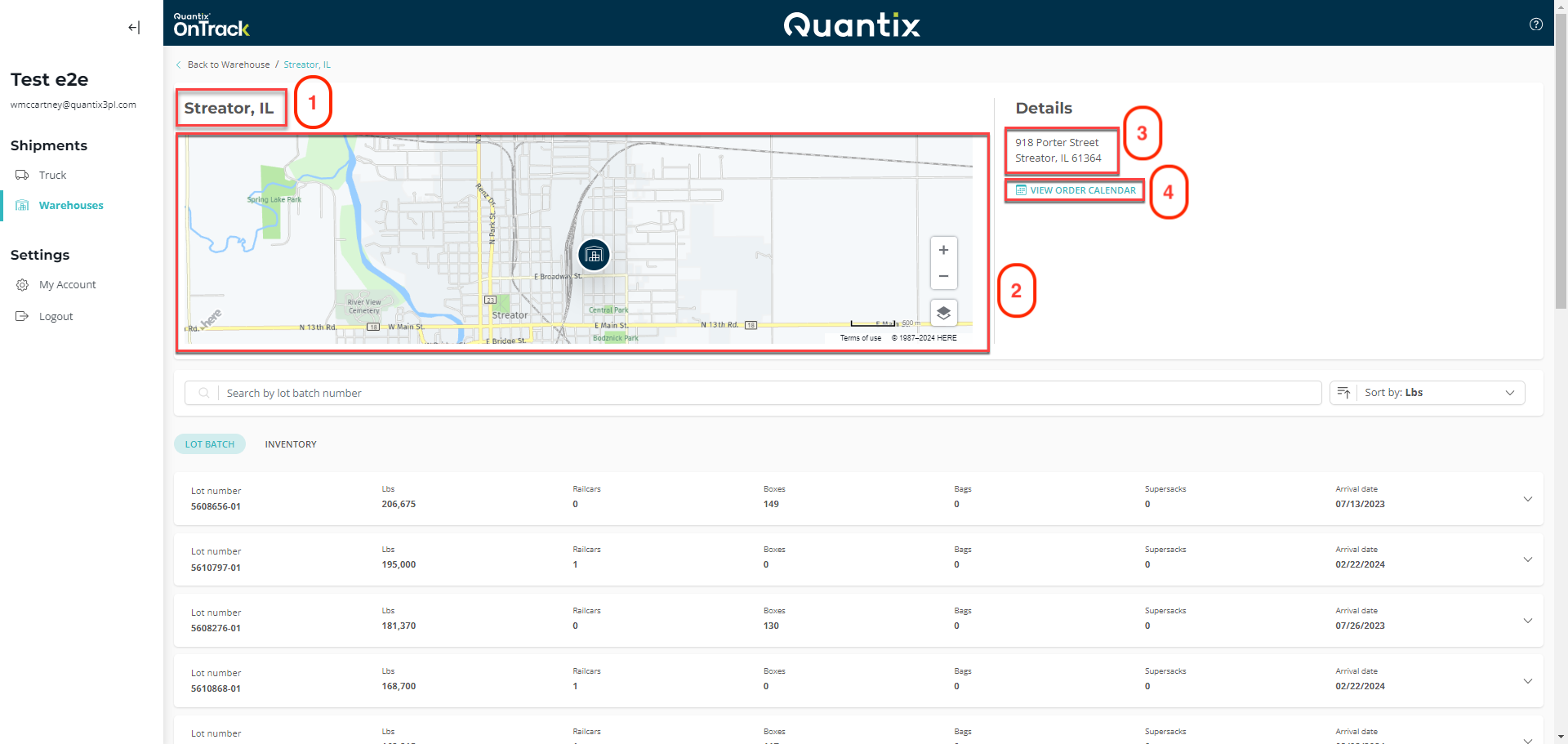
The Warehouse Site Page will give you details about your chosen site:
- Name
- Address
- Link the Warehouse calendar
- Map with the site location
The Warehouse Site Page defaults to the Lot Batch tab, which shows all the lot batch cards for the current inventory.
However, you can hit the Inventory tab if you want to see your inventory organized by individual license plates.