Warehouse Tab
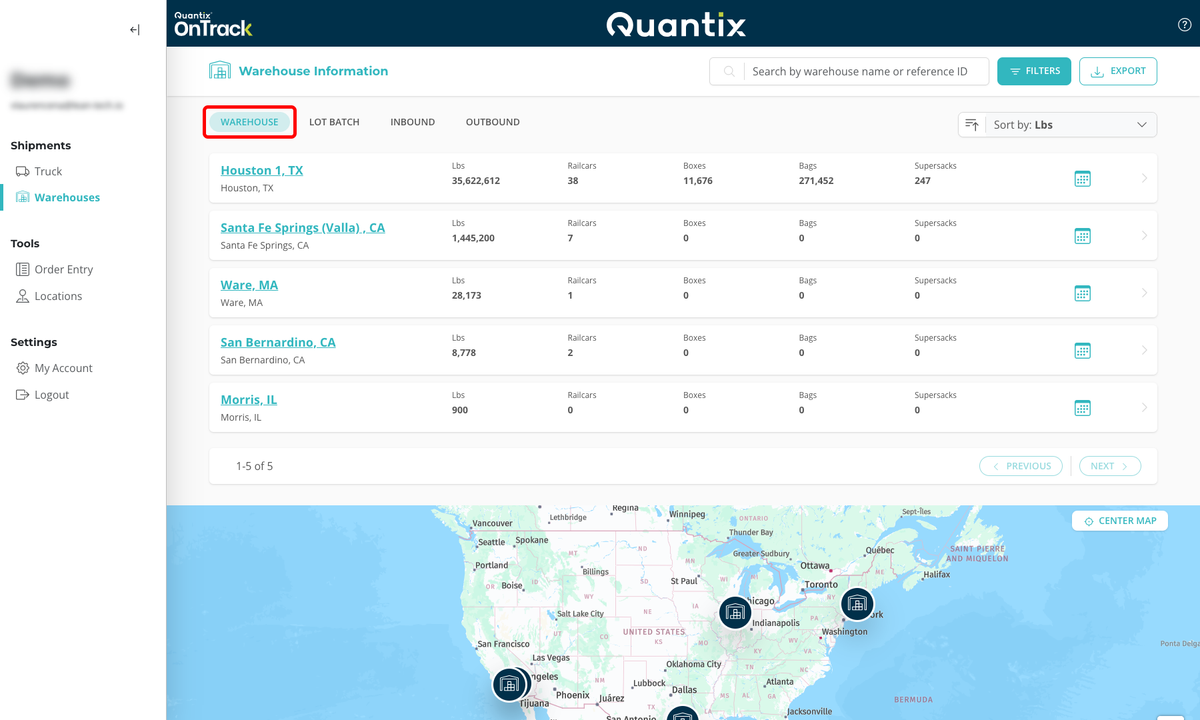
The Warehouse tab serves as the main page of the Warehouses module. On this page, you can see all of the warehouses you have stored products in, along with the total product weight and number of railcars, boxes, bags, and supersacks in each location.
To access this page, click the Warehouses button on the left-side menu or click the WAREHOUSE tab if you are already in the Warehouse module.
Searching for a Warehouse
From the Warehouse tab, you can search warehouses by warehouse name, reference ID, or product type. As you type out your criteria, the list will show you only the warehouses that have that material in them.
In the case below, we're searching for LLDPE. The returned results are Streator, IL, and Hickory, NC —no other warehouses are shown. This tells us what warehouses we can look at to find this material.

Filtering Warehouses
Warehouse filters work similarly to the search function whereby the criteria selected in the filter will yield the results in the form of a warehouse that fits the selected criteria.
To open the filter's menu, select the FILTERS button at the top right corner of the screen.

This will open up the filtering menu, where you can select which criteria to filter the warehouses by:
- Configuration
- Material
- Weight

Filters can be used individually or in concert with one another. For example, if you want to see which warehouse has railcars of HDPE material with at least 40,000 lbs, you can enter your criteria as pictured below and hit Enter or click the APPLY FILTERS button at the bottom.
In order to reset selected filters, click the CLEAR FILTERS button at the bottom of the filtering menu.

Sorting Warehouses
You can sort your warehouses by any of the following criteria:
- Lbs
- Name
- Railcars
- Boxes
- Bags
- Supersacks

After selecting the criteria, you can easily choose whether to order the results in ascending or descending order by clicking the arrow next to the criteria box.

Warehouse Card Details
Each warehouse has a card that displays its location, name (optional), inventory weight in pounds, railcars, boxes, bags, and supersacks.
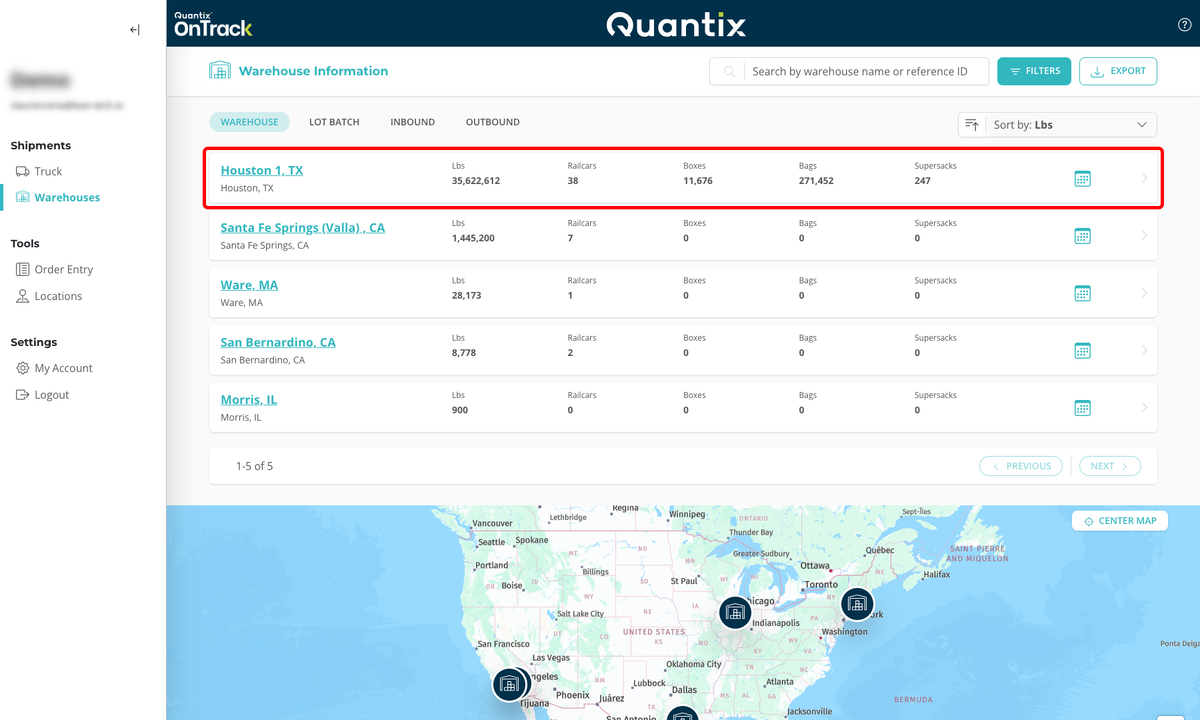
If you click on any warehouse card, you will be directed to the Warehouse Site Page Details.