Logging In
When you receive your OnTrack credentials, you will also receive a web address that will take you to your company's OnTrack portal.
Following that URL, you will be directed to a screen that looks similar to the one below:
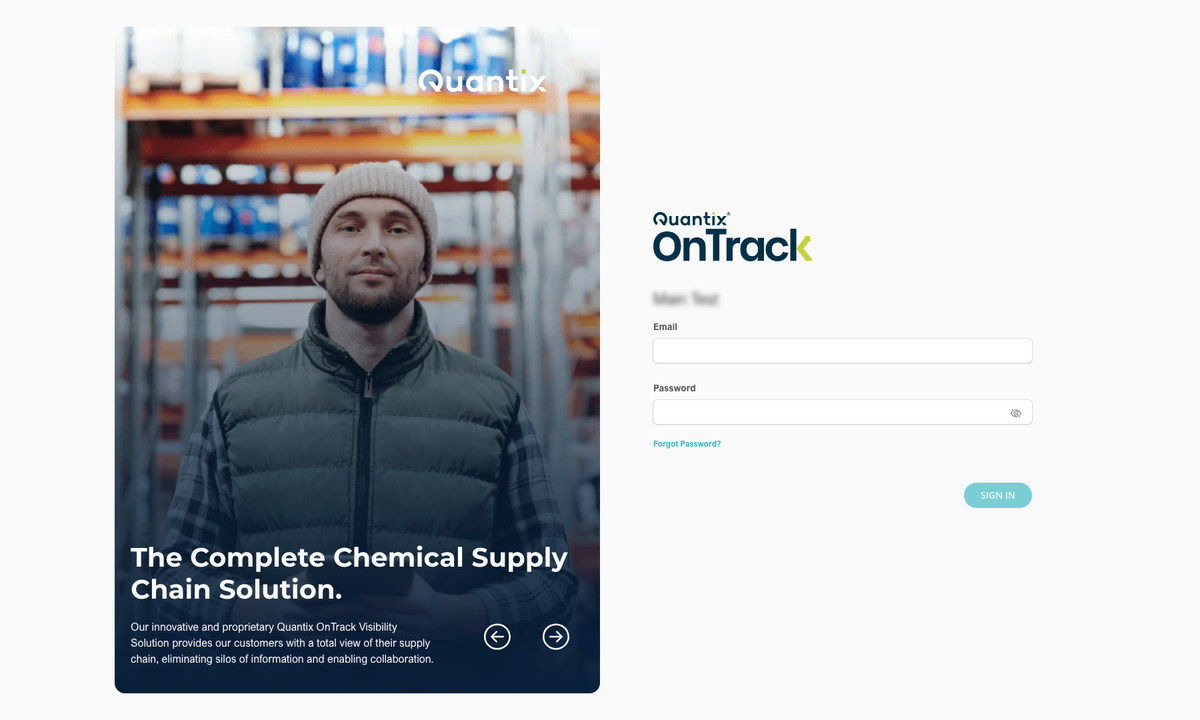
To log in to OnTrack, enter your email address and the password that your admin team gave you, and click SIGN IN.
Both the email and password fields are case-sensitive. If you're having trouble logging in, please check with your admin to confirm that you're using the same email address and password that were entered into the OnTrack system.
Is This Your First Time Logging In?
Upon your first login, you'll be asked to agree to the Terms and Conditions of the OnTrack services.
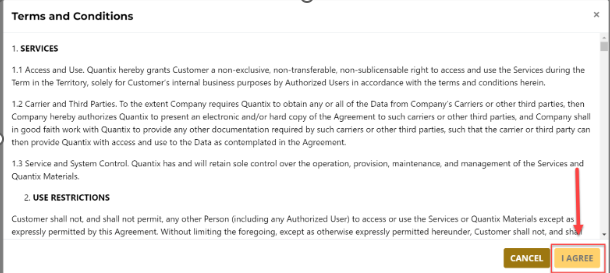
If you decline the Terms and Conditions, you will not be granted access to the software. You will need to contact your administrator to obtain new login credentials.
Upon accepting the Terms and Conditions, you will be taken to the main screen of the Truck module. Here, you will be prompted to consent to cookies and presented with the option to view the OnTrack Privacy Policy.
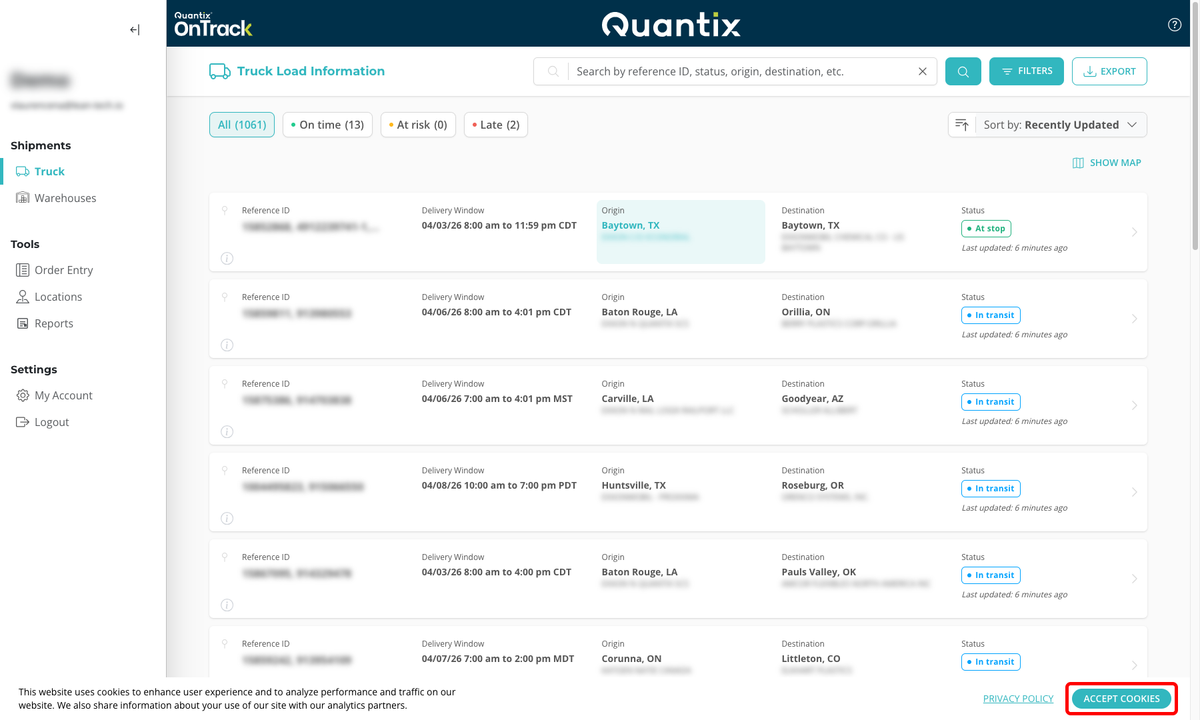
We recommend that you change your password upon initial login as a security measure to safeguard your account against unauthorized access.
Now, you are ready to start using OnTrack!