Inviting Users
To add a new User and give them access to OnTrack, you need to follow these steps:
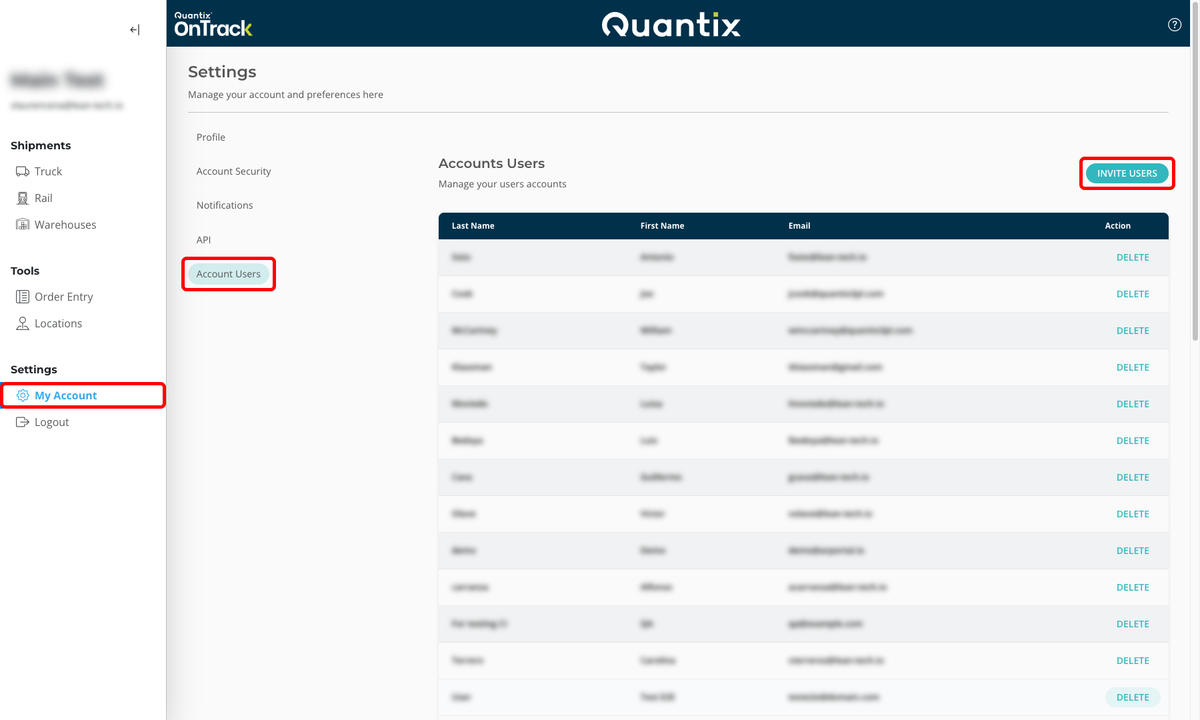
- Click on the My Account button on the left side navigation menu.
- Click Account Users.
- Click INVITE USERS.
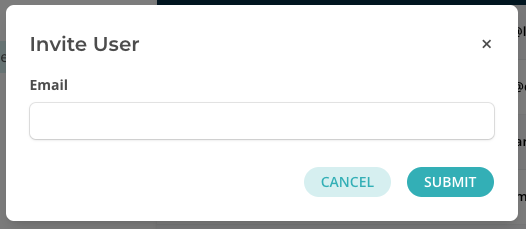
- Here, you'll need to complete the Email field with the user's email you want to invite and click SUBMIT.
After submitting the invitation, OnTrack will send an email to that address that looks like this:
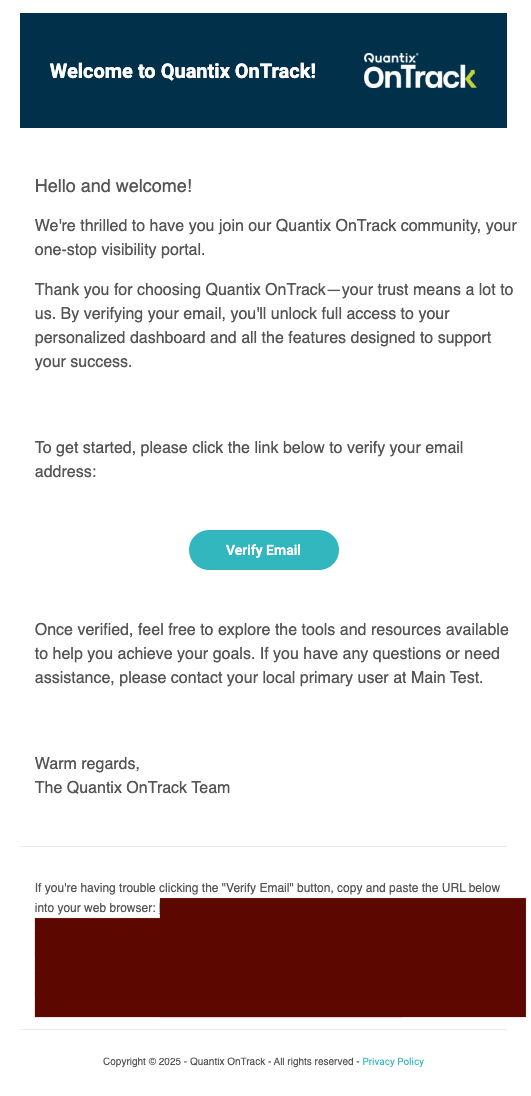
The user needs to click Verify email and follow the instructions to set up their account.
Pending Invitations
If you have invited a user but they have not yet accepted the invitation, you can see their pending invitation in the Pending Invitations section.
Uninviting Users
To uninvite a user who has (or has not yet) accepted the invitation, click the DELETE button next to their email in the Accounts Users or Pending Invitations section.