Detention Notifications
OnTrack allows you to set up customizable detention notifications to monitor loading detentions, delivery detentions, or both.
Once you are on the Create Notification screen, you can begin building your detention notification.
-
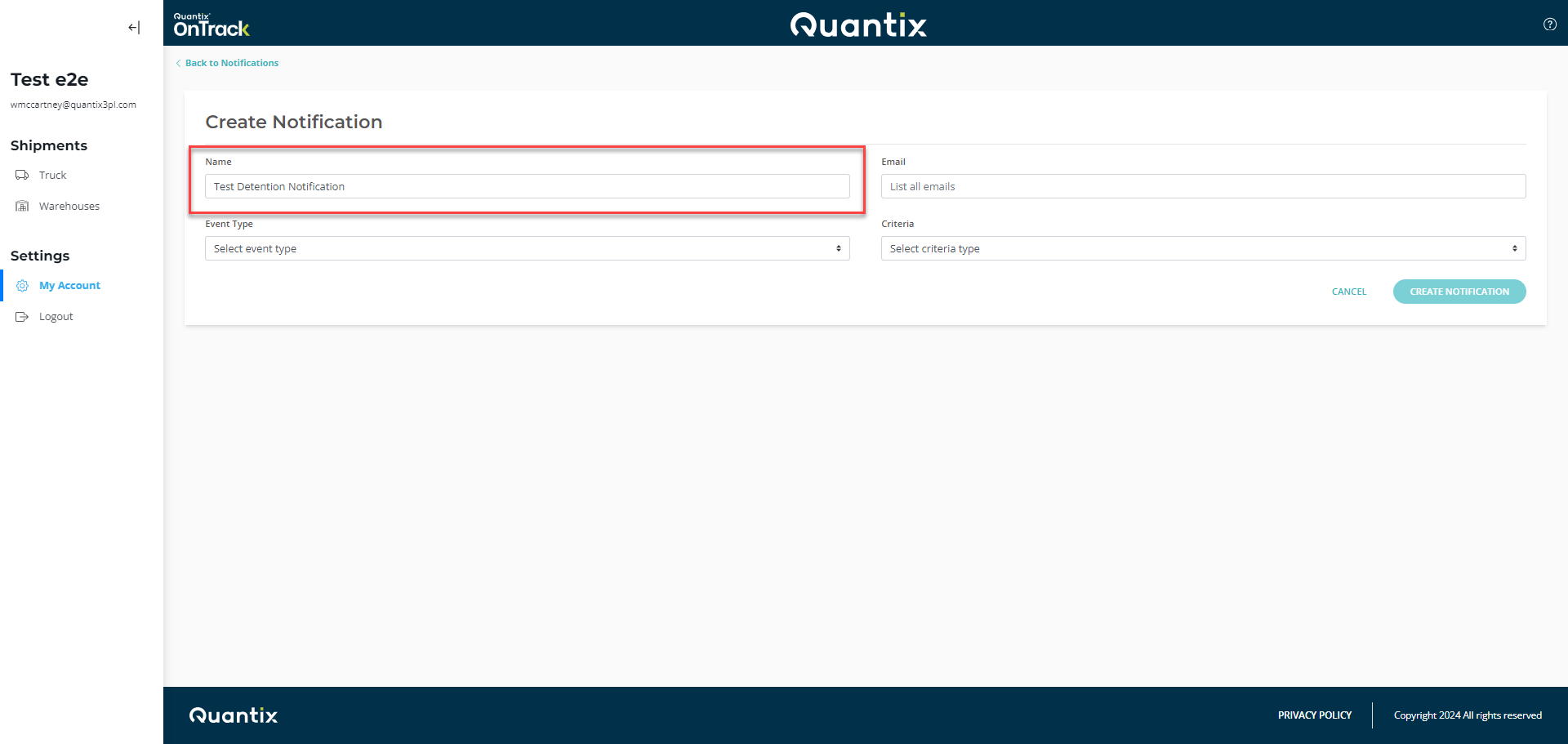
Start by giving a name to the notification.
-
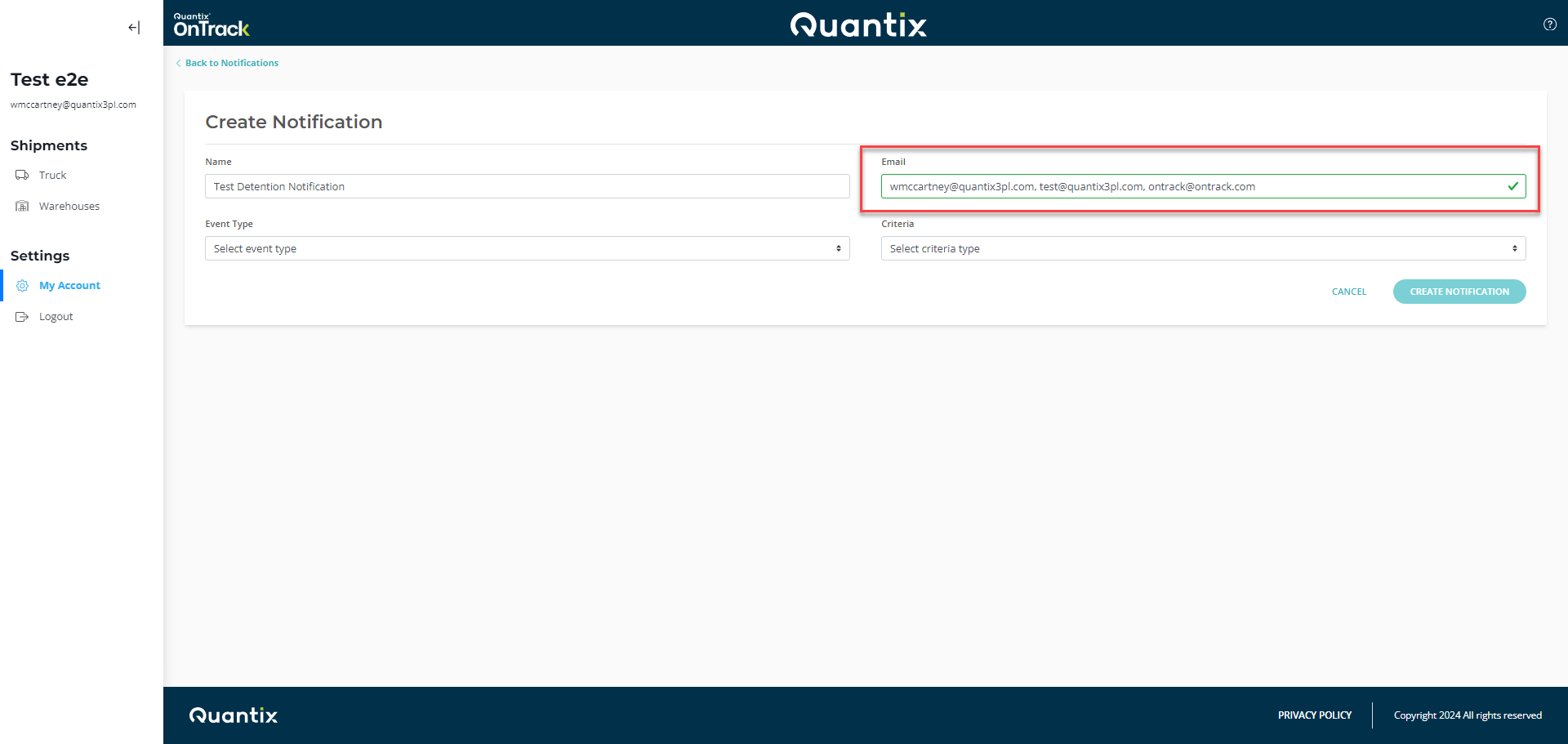
Then, enter any email address(es) where you would like to receive the notification. You may enter as many email addresses as you'd like, separating them with commas.
-
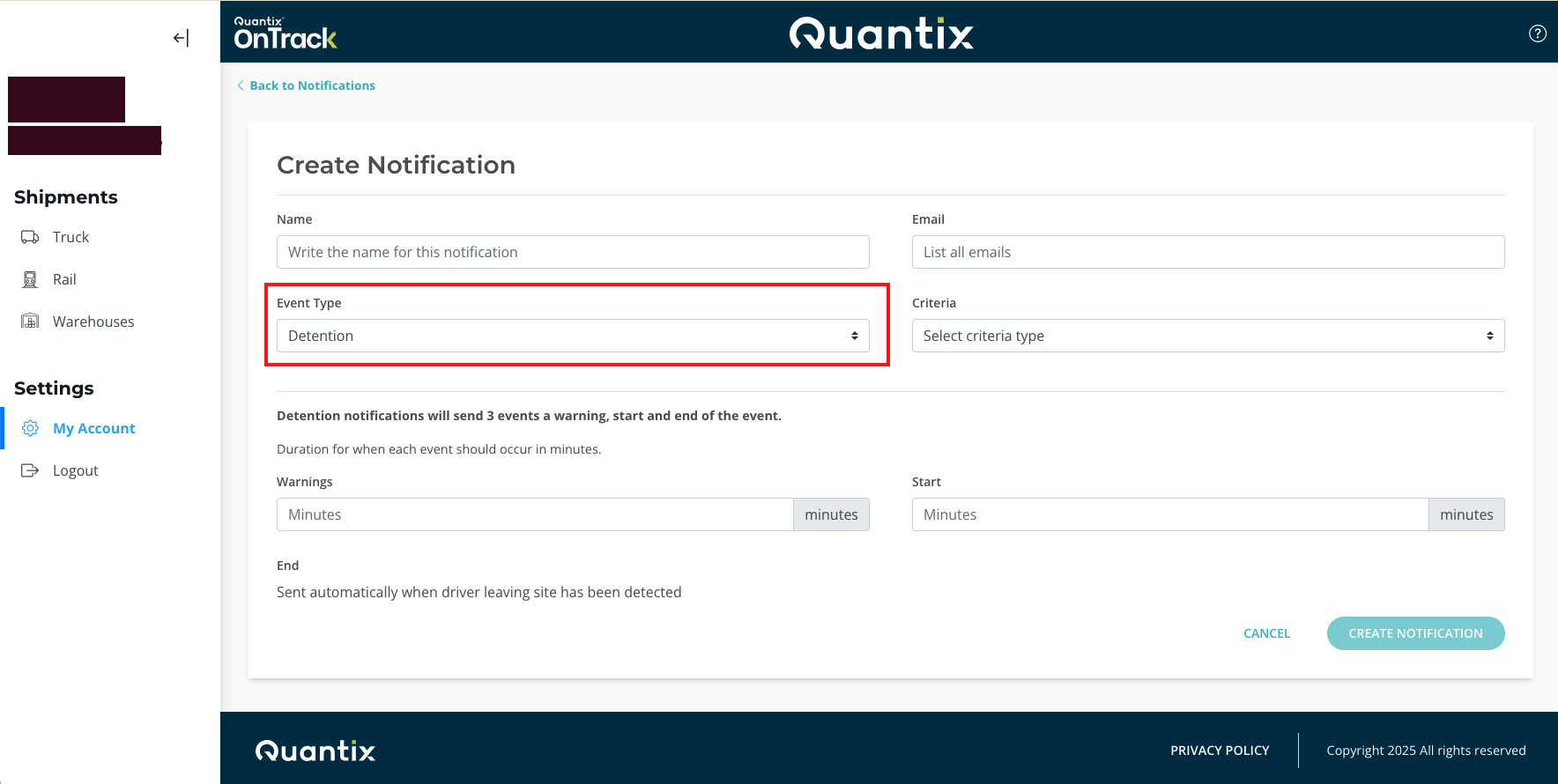
Once you enter the email addresses, you need to select the event type Detention.
-
Then, you have to select a criteria type from the drop-down list. You can choose Loading Location, Delivery Location, or All Stops.
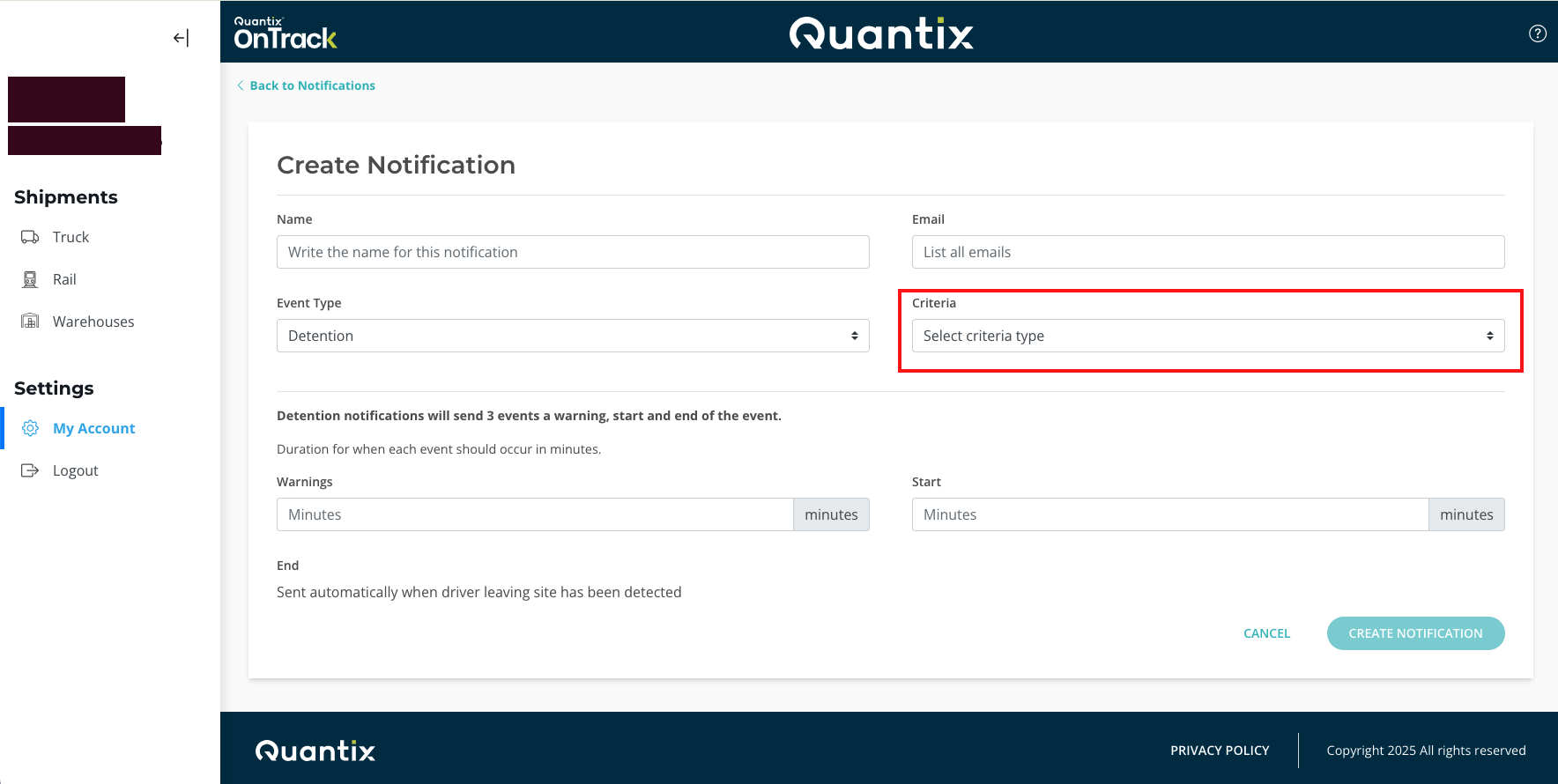

-
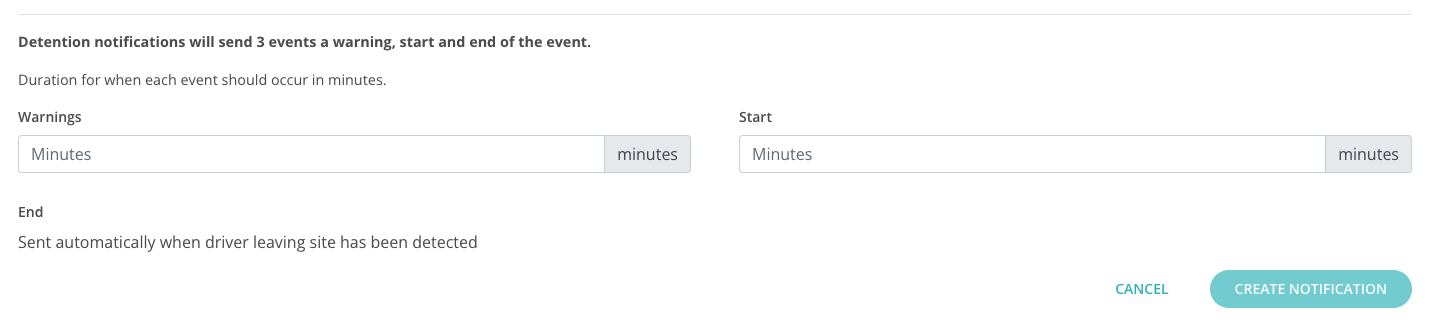
Once you have chosen the criteria for your detention notifications, you need to set up the minutes when OnTrack will send Warning and Start notifications.
- Warning: This notification will be sent when a shipment is approaching detention time. You can set the number of minutes before detention that you would like to receive this notification.
- Start: This notification will be sent when a shipment has entered detention. You can set the number of minutes after detention that you would like to receive this notification.