Lot Batch Tab
Lot batches are crucial for order management and essential for many customers. OnTrack provides a convenient way for you to view all lot batch configurations across all warehouses in one place.
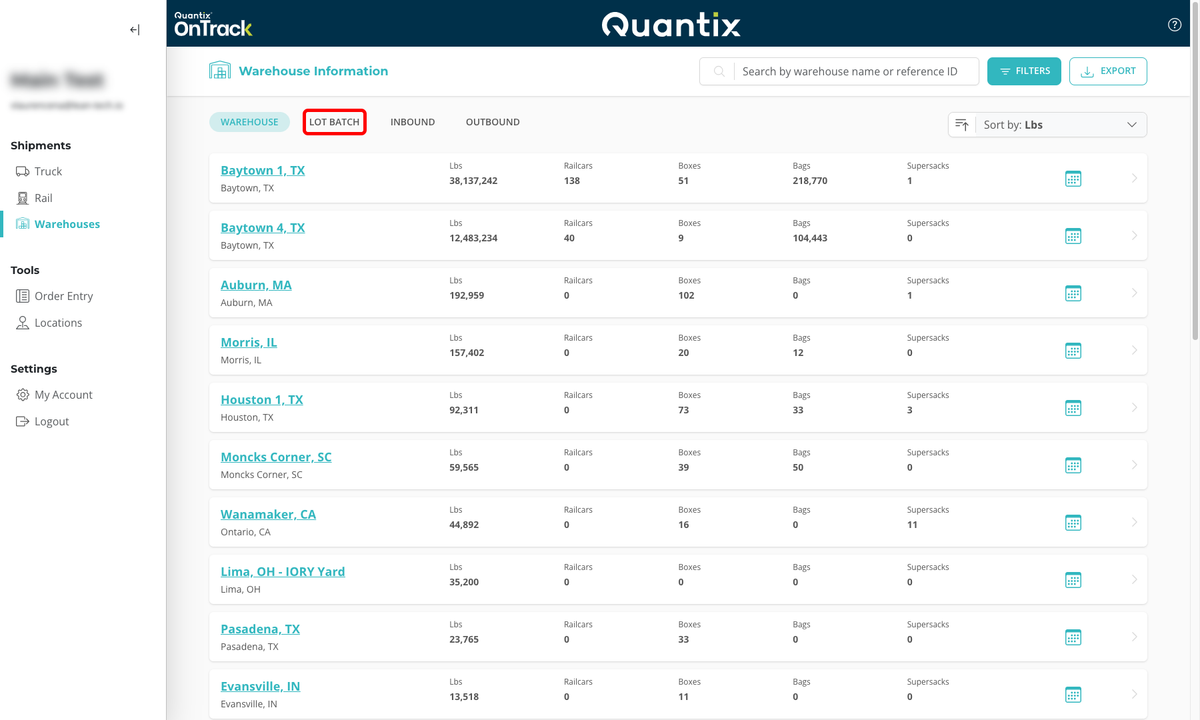
To access this feature, click on the LOT BATCH tab located at the top of the Warehouses module main page.
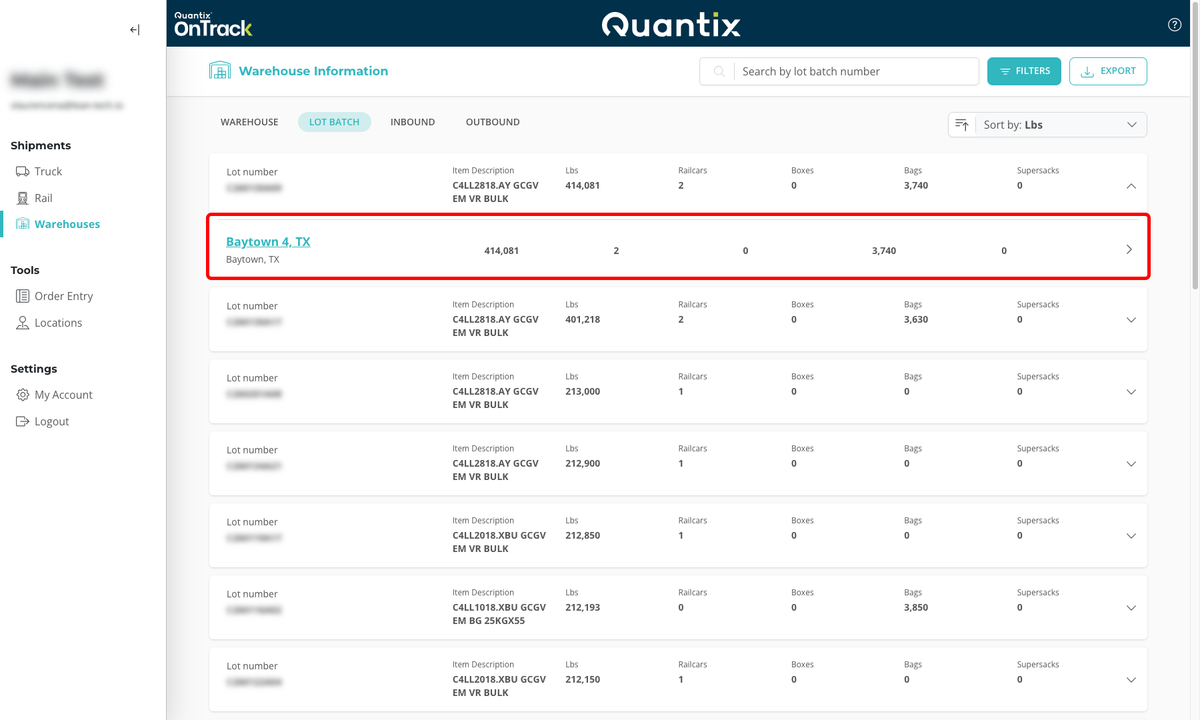
When you find the lot batch you're looking for, you can get the warehouse location simply by clicking on its corresponding card. Then, you can then click on the warehouse location to get to the Warehouse Site Page Details.
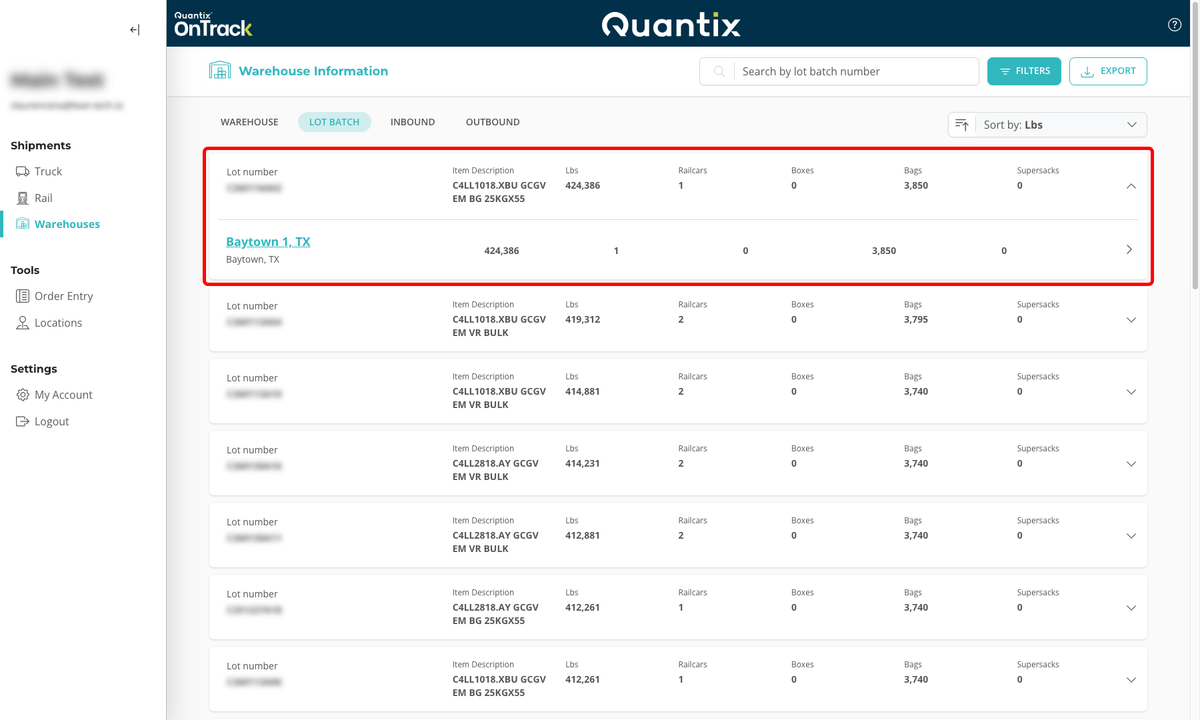
This page supports the following list interactions: searching, filtering, sorting, and exporting.
For more information, refer to Working with Lists.
Lot Batch Card Details
Each lot batch has a details card that displays the lot number, item description, weight in pounds, and the number of types of containers each lot batch is configured within.
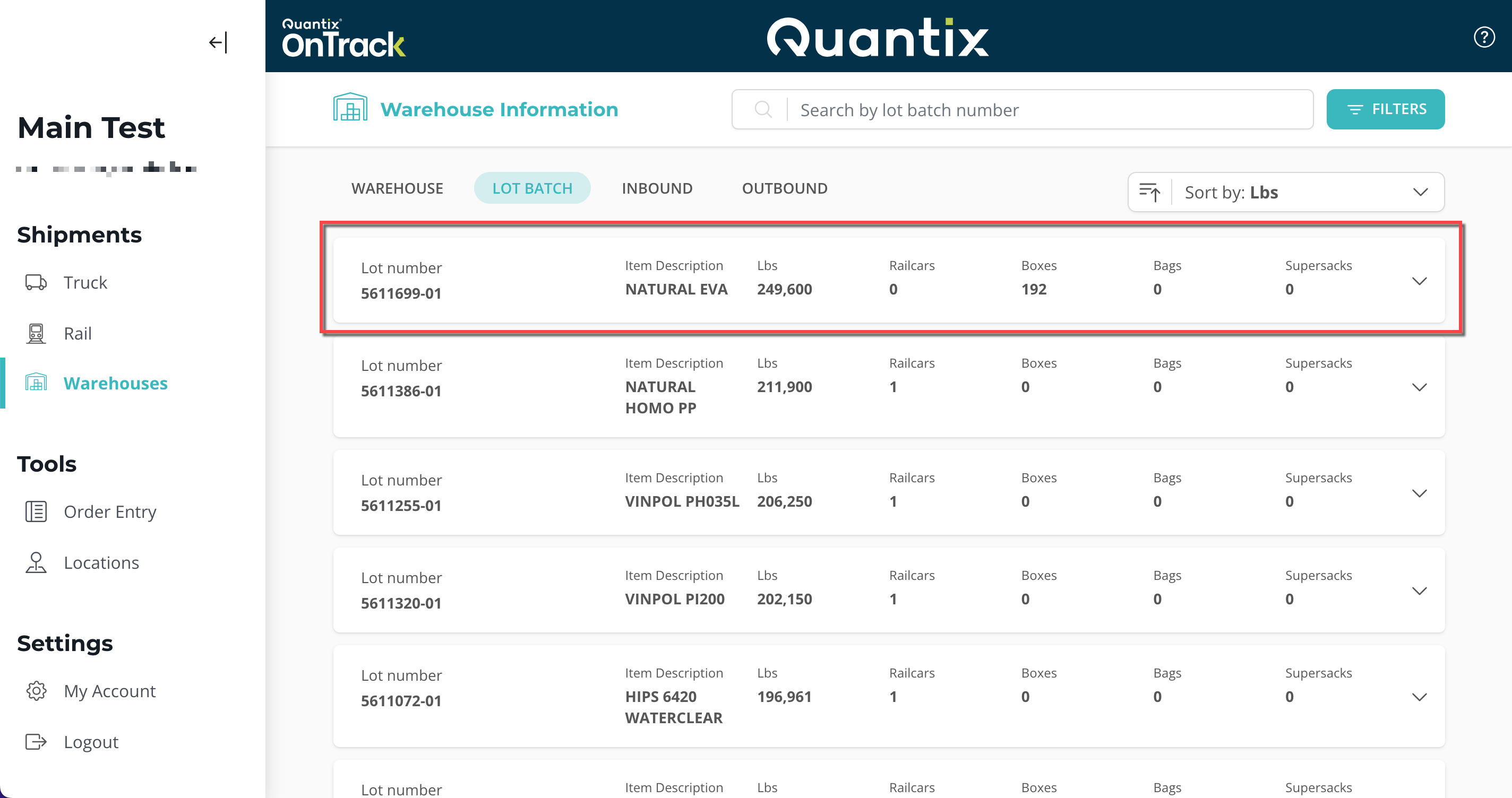
If you click on any lot batch card, you will see which warehouse(s) that lot batch is in.