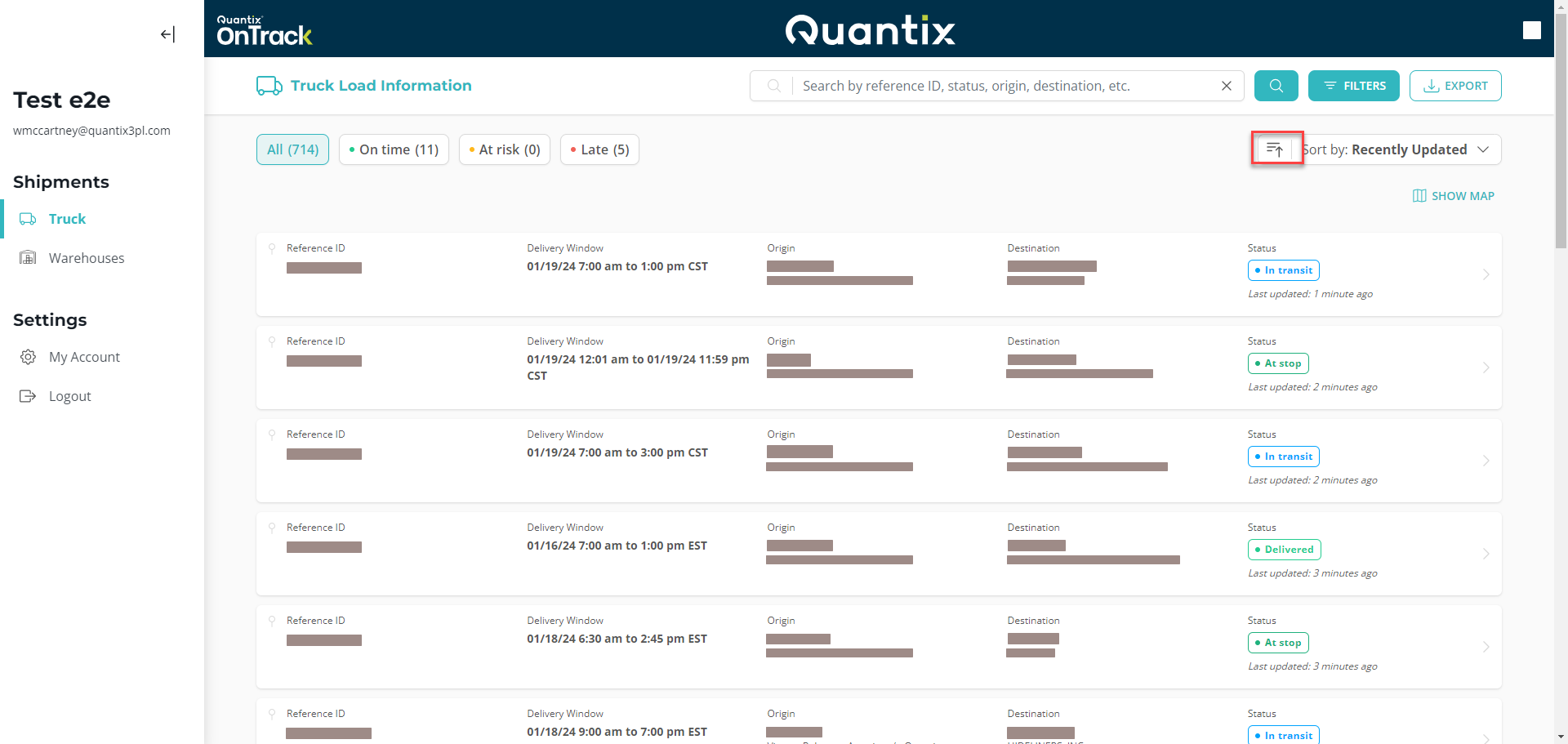
Sorting Shipments
The Truck Main Page also allows you to rearrange the shipments based on specific criteria.
You can access this feature by clicking the down arrow at the top-right of the screen and selecting the desired sorting criteria.
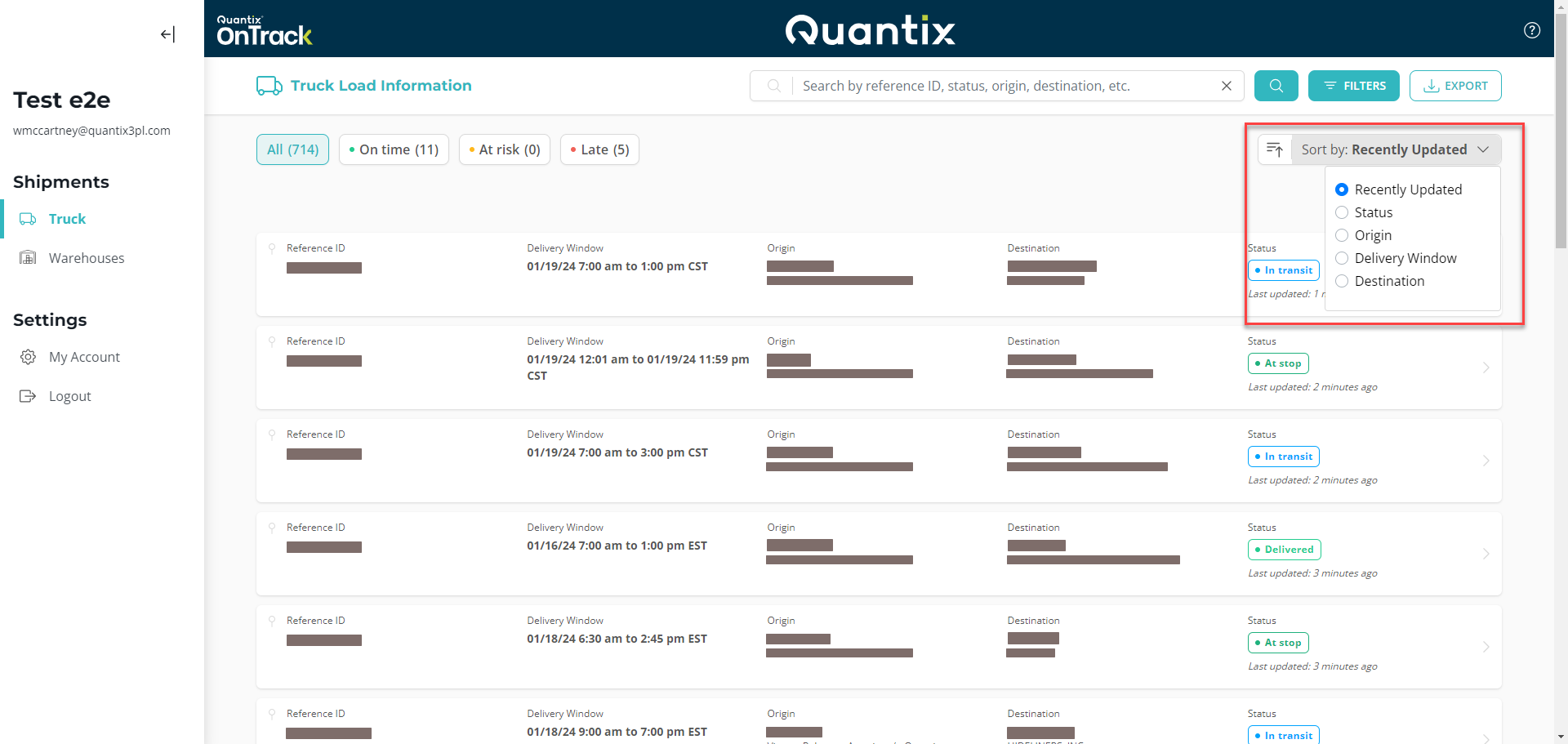
The available options are:
- Recently Updated: This option sorts shipments based on the latest location data received on OnTrack. It helps you identify recently updated shipments or those that may not be updating correctly.
- Status: This feature allows you to sort shipments based on their current status such as In transit, At Stop, Canceled, etc.
- Origin: This will sort the shipments by their city of origin.
- Delivery Window: This will sort shipments based on their delivery windows. OnTrack considers the delivery window criteria in terms of date and time when sorting.
- Destination: This will sort the shipment by their delivery city.
Lastly, if you want to change the sort from ascending to descending or vice versa, all you need to do is hit the little arrow button at the left of the sorting panel.