Sharing a Shipment
OnTrack allows to share shipments with others. To share a shipment, follow these steps:
-
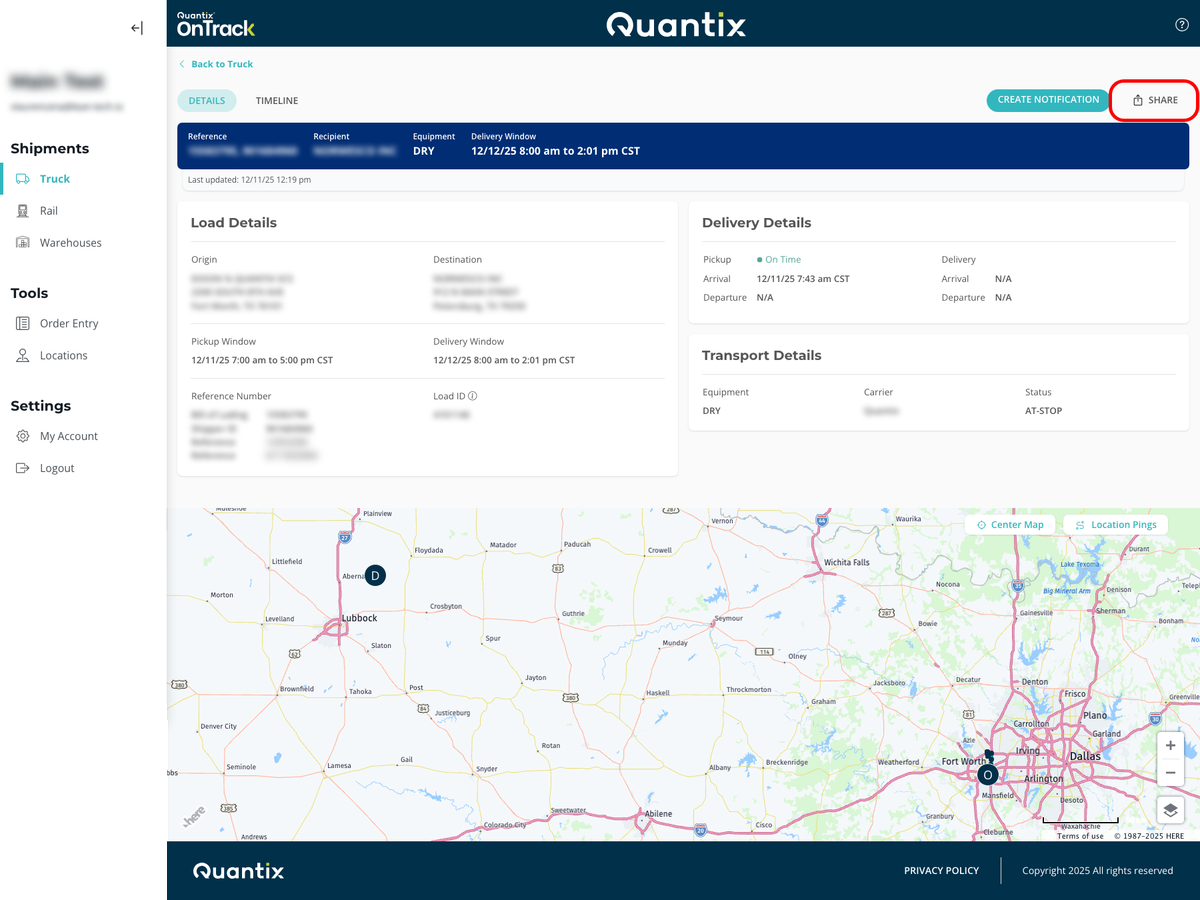
On the shipment details page, click the SHARE button.
-
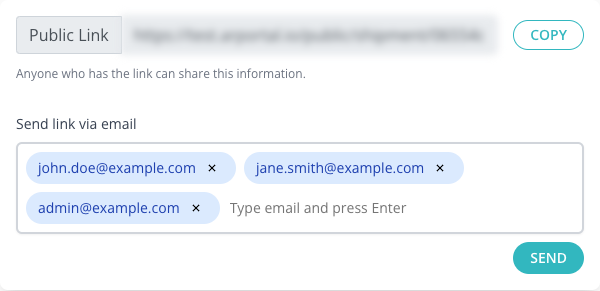
You can copy and paste the shareable link or send it to email addresses.
-
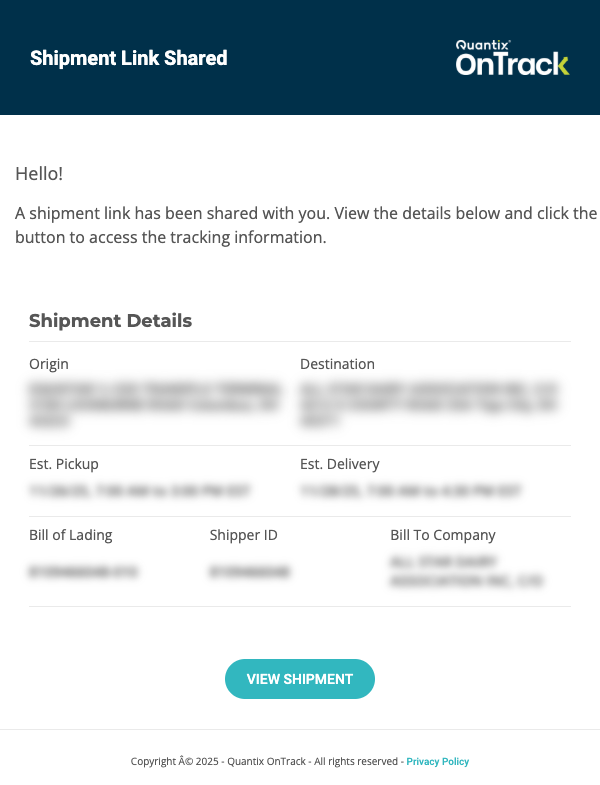
Those email addresses will receive an email with a link to view the shipment details.
-
Recipients can click the link to view the shipment details without needing to log in.

-
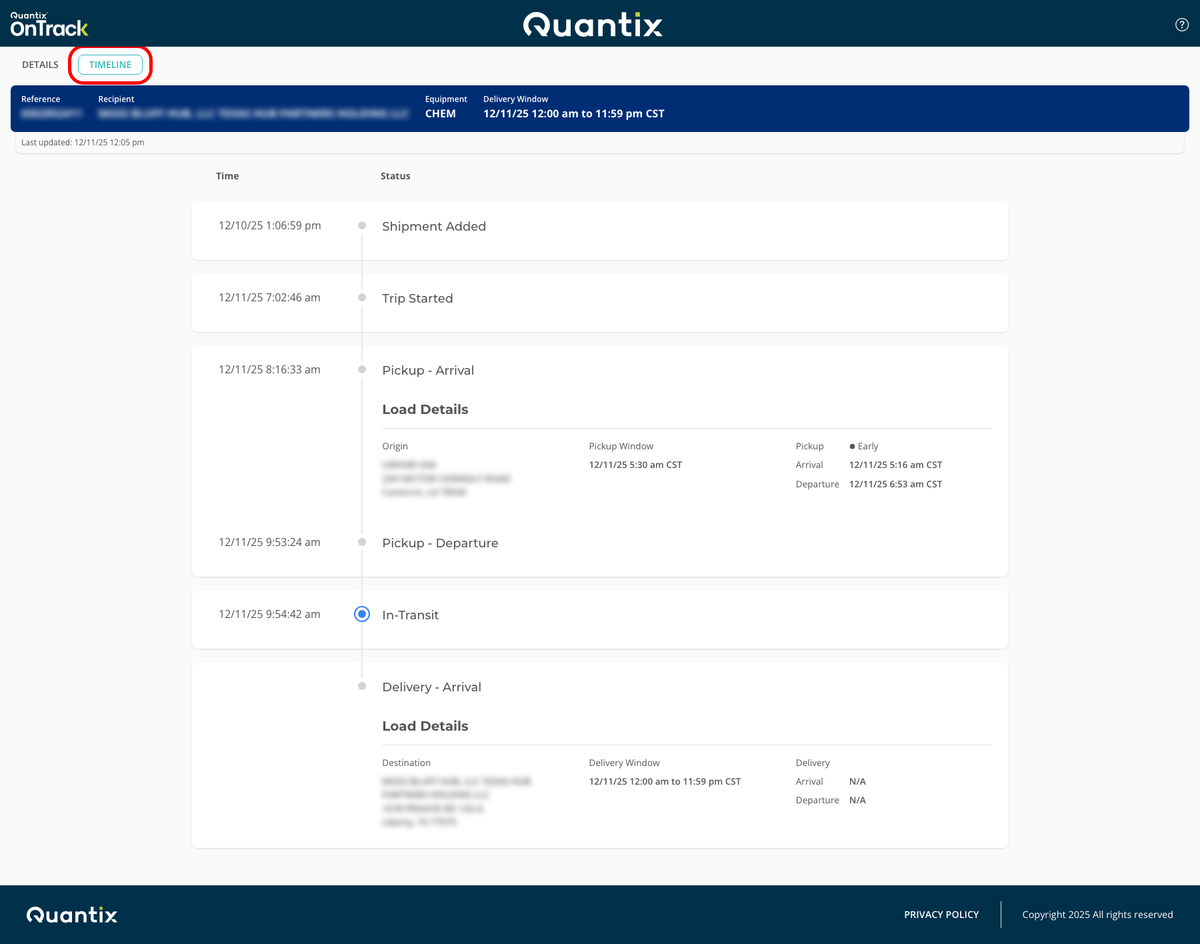
Recipients can also click the TIMELINE tab to see the shipment's timeline.