Viewing Submitted Orders
OnTrack allows you to view all submitted orders under the SUBMITTED ORDERS tab.
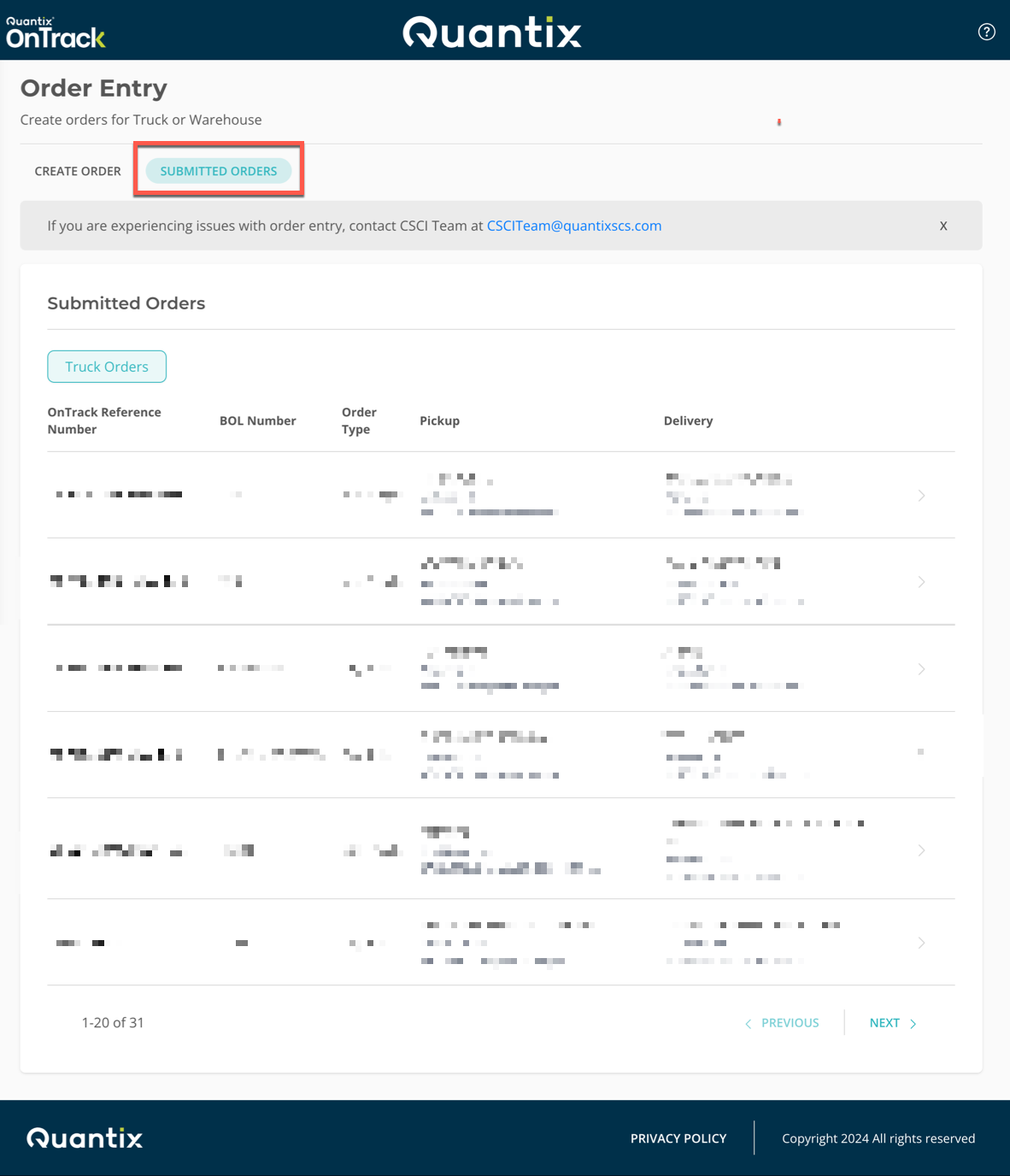
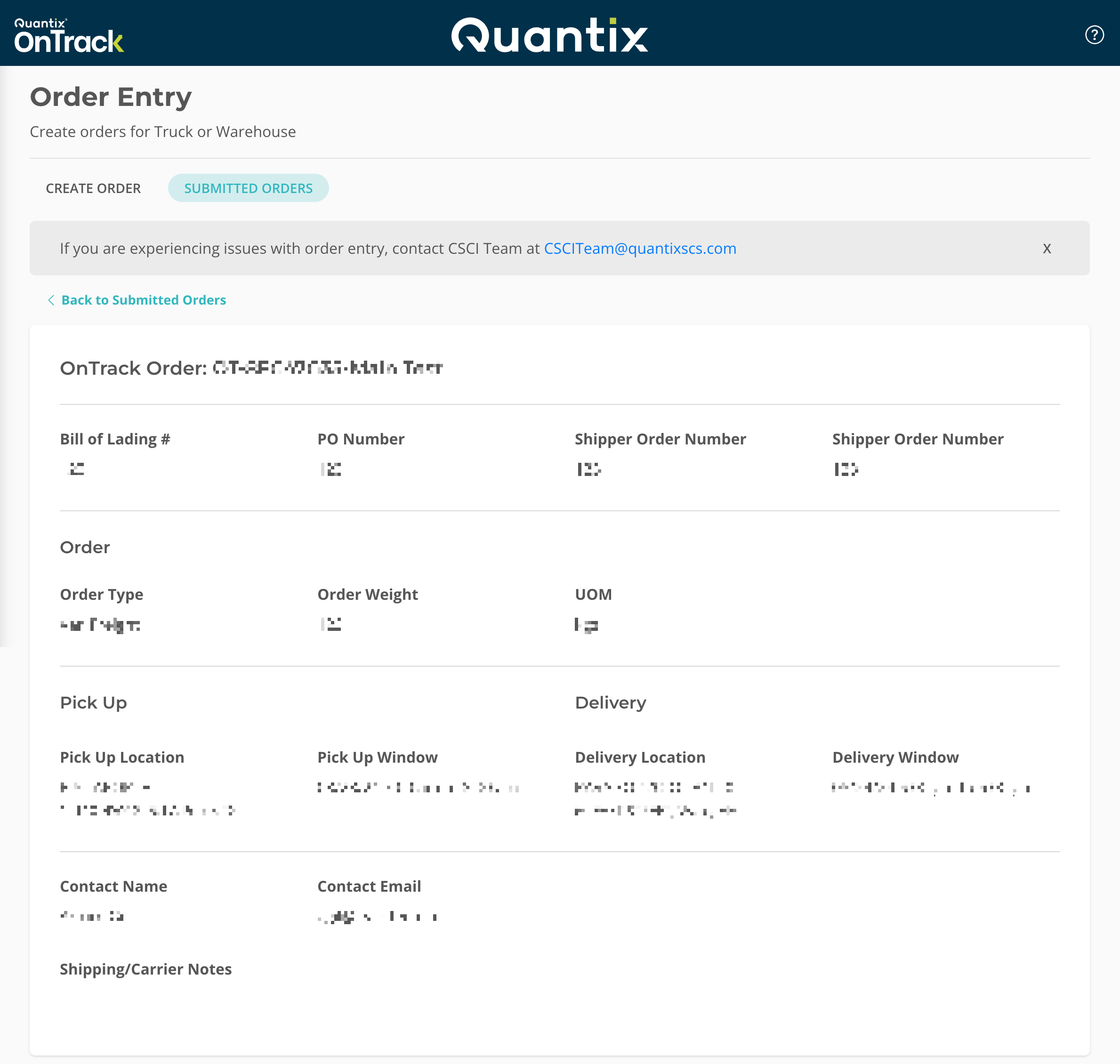
Upon clicking any submitted order on the list, you will be directed to the order's details page.
To return to the previous screen, click the Back to Submitted Orders button.