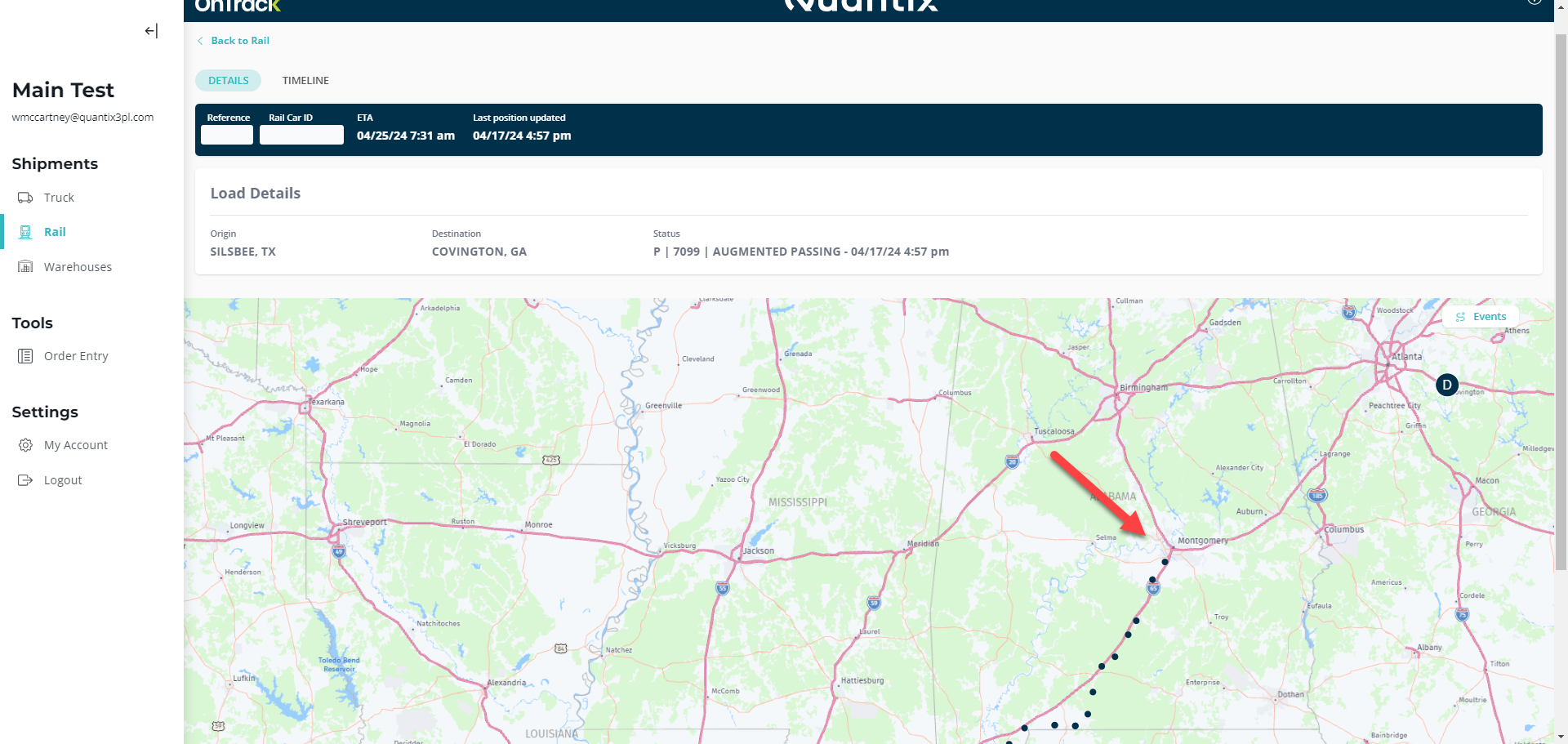
Viewing a Rail Shipment Details
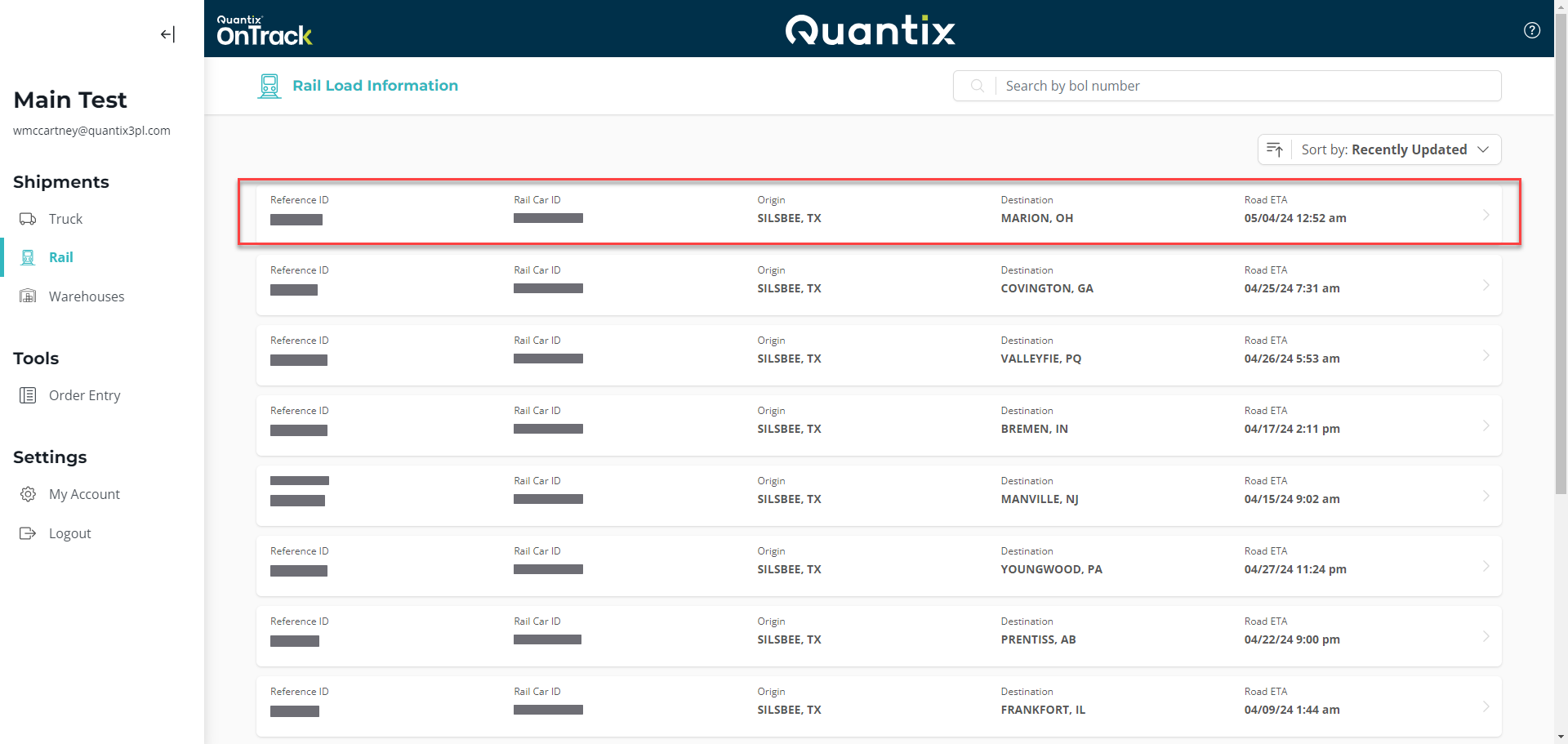
From the main page of the Rail module, you can get more information about a shipment just by clicking anywhere on its card.
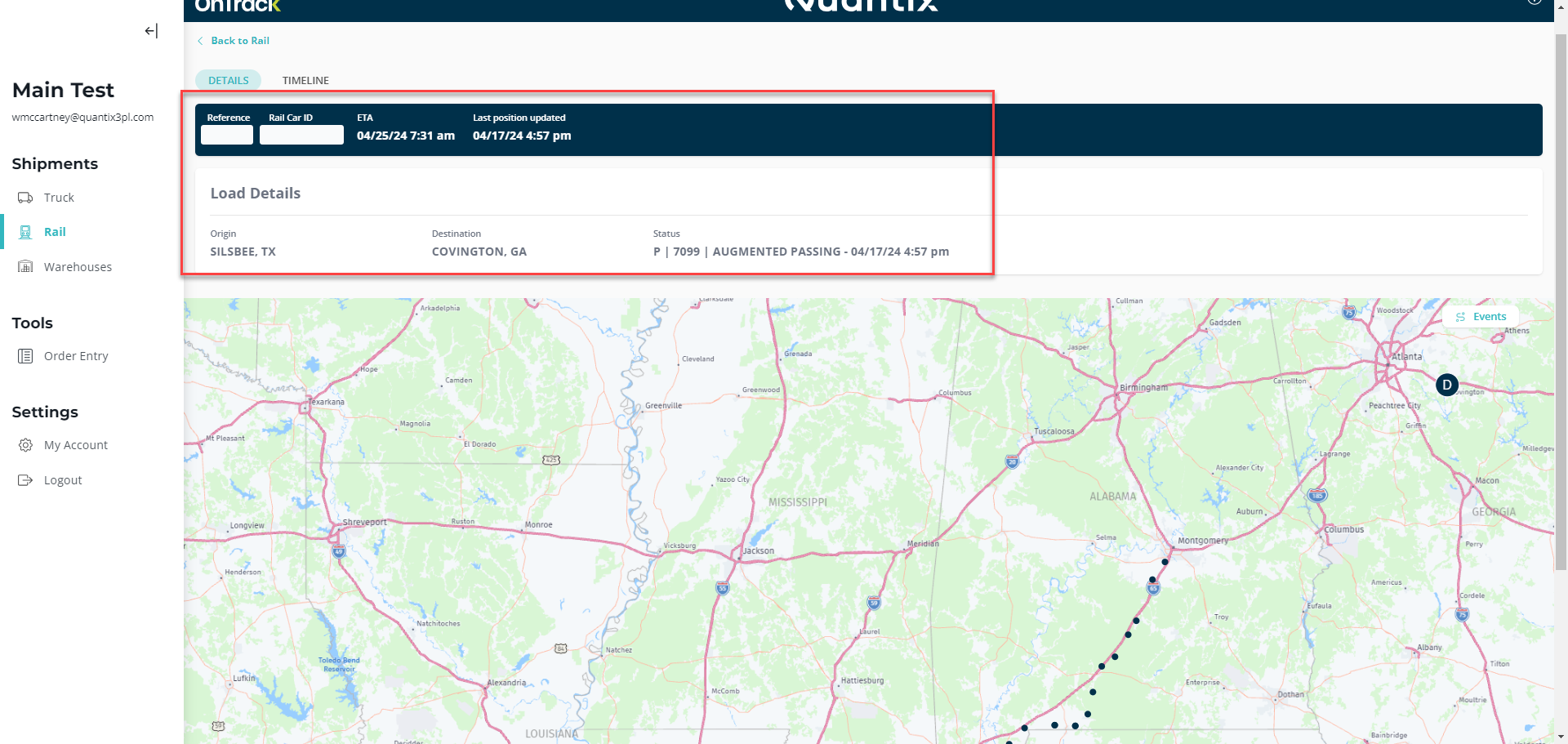
Each rail shipment has a dedicated details page, providing users with essential information and a visual representation of its journey. Let's explore the key features of this page:
-
Shipment Details:
- Reference: Unique identifier for the shipment.
- Rail Car ID: The specific identification number assigned to the freight rail car.
- ETA: The Estimated Time of Arrival at the destination. Last position updated: Indicates the most recent location update for the shipment.
- Origin: Specifies the city and state where the shipment began its journey.
- Destination: Identifies the city and state of the destination.
- Status: Provides real-time code on the shipment's status.
-
Location Map:
The location map visually displays the train's current position and historical route during tracking. It allows you to easily track the shipment's progress and understand its movement across the rail network.